Comparison
GitHub Advanced Security pricing, and where CRACI fits
GitHub Advanced Security costs $19 per active committer per month for Secret Protection and $30 for Code Security, on a GitHub Team or Enterprise plan. Both read your repository. CRACI runs your GitHub Actions jobs and records what each build actually did.
Updated
The short answer
As of September 2026, GitHub sells GitHub Advanced Security as two add-ons. GitHub Secret Protection costs $19 per active committer per month and covers secret scanning and push protection. GitHub Code Security costs $30 per active committer per month and covers code scanning with CodeQL, Copilot Autofix, dependency review and premium Dependabot features. Buying both comes to $49 per active committer per month. Both require a GitHub Team or Enterprise plan, and you pay for them on top of your GitHub seats.
An active committer is anyone whose commit was pushed to a repository with the product enabled in the last 90 days, counted once across your organization. That is why the bill tracks who pushes code, not how many seats you have.
GitHub Advanced Security pricing at a glance
| Capability | Secret Protection | Code Security |
|---|---|---|
| List price | $19 per active committer per month | $30 per active committer per month |
| What it covers | Secret scanning, push protection, validity checks, Copilot secret scanning, generic patterns, bypass controls | CodeQL code scanning, Copilot Autofix, dependency review, Dependabot security and version updates, custom auto-triage rules |
| GitHub plan required | GitHub Team or Enterprise | GitHub Team or Enterprise |
| Public repositories | Secret scanning and push protection free | CodeQL, Copilot Autofix and dependency graph free |
| Azure DevOps | $19 per committer per month, billed through Azure | $30 per committer per month, billed through Azure |
Prices are GitHub's and Azure's list prices as of September 2026. GitHub's plans page lists the features each add-on adds on Team and Enterprise; the free column covers public repositories on GitHub.com.
How the bill is counted
- Per active committer, per product. A committer is active if one of their commits was pushed to an enabled repository in the last 90 days, regardless of when it was authored. Each person uses one license across the organization or enterprise, however many repositories they touch.
- Only enabled repositories count. You enable Secret Protection and Code Security independently, so you can turn on Secret Protection everywhere and Code Security only where you need it.
- Metered or volume billing on Enterprise. Metered billing, on GitHub Enterprise Cloud and on GitHub Enterprise Server 3.13 or later with GitHub Connect, bills monthly for the licenses used, with no pre-set limit and no overage state. Volume or subscription billing buys a fixed number of licenses for a period, typically at least a year.
- Free risk assessments. Organizations on Team and Enterprise Cloud can run a free secret risk assessment, and a code security risk assessment on up to 20 active repositories, before buying.
A worked example
A team of 50 developers who all push to repositories with both products enabled pays 50 × $19 = $950 for Secret Protection and 50 × $30 = $1,500 for Code Security: $2,450 a month, or $29,400 a year, at list price. That is on top of GitHub Team or Enterprise seats and GitHub Actions minutes. Anyone with a license in your organization who pushes to an enabled repository counts, contractors included, so count committers rather than employees.
What you get without paying
The dependency graph and Dependabot alerts are included in all GitHub plans. On public repositories, code scanning, secret scanning, push protection and dependency review are free. If your code is open source, much of GitHub Advanced Security costs nothing.
GitHub Advanced Security for Azure DevOps
The same two products are sold for Azure Repos, at $19 per committer per month for Secret Protection and $30 for Code Security on Azure's pricing page. Charges accrue daily and are billed monthly to the Azure subscription linked to the Azure DevOps organization, and committers are counted once per product across that subscription.
What GitHub Advanced Security does well
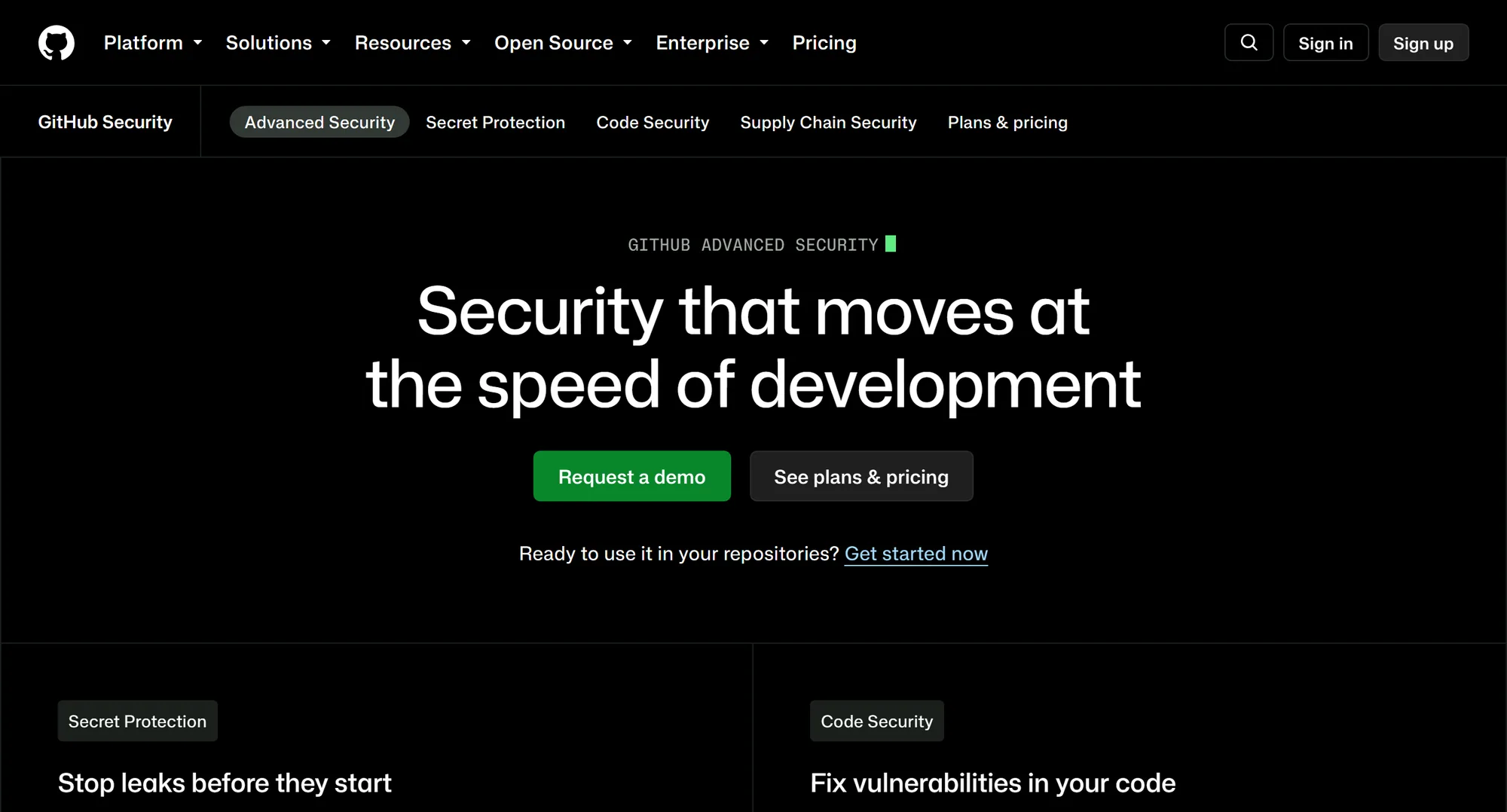
Code scanning with CodeQL is semantic static analysis built into pull requests, and Copilot Autofix proposes fixes for the alerts it raises. Secret scanning covers git history, pull requests, issues and wikis, and push protection blocks a secret before it lands. Validity checks tell you whether a leaked credential is still live. CRACI does none of this, and nothing on this page suggests replacing it.
On dependencies, the dependency graph parses the manifests and lock files in your repository, and Dependabot alerts you when one matches an advisory in the GitHub Advisory Database. Security updates try to open a pull request for every open alert that has a patch, and dependency review (part of Code Security) shows what a pull request changes before merge. Automatic dependency submission can add build-resolved data for Maven, Gradle and Python. You can export the graph as an SPDX SBOM from the UI or the REST API.
Artifact attestations use Sigstore to sign build provenance for binaries and container images, and can attest SBOMs in SPDX or CycloneDX. GitHub documents that attestations alone provide SLSA v1.0 Build Level 2, and Level 3 with reusable workflows.
What the price does not cover
Every GitHub Advanced Security feature reads your repository: its code, its secrets and its declared dependencies. None of it records what happens inside the build that produces your release, or controls what that build can reach on the network. That is where CRACI fits.
| Capability | CRACI | GitHub Advanced Security |
|---|---|---|
| Dependencies recorded from the build | Observed fetches, including packages from CI caches | Graph from manifests, plus submitted build data |
| SBOM export | CycloneDX and SPDX per build, completeness stated | SPDX export of the repository dependency graph |
| Build network egress policy | Default deny or allow, fails closed | Not part of GitHub Advanced Security |
| Signed build provenance | No signed provenance | Artifact attestations, SLSA v1.0 Build Level 2 |
| Dependency vulnerability alerts | Aggregated across builds, monitored SBOMs re-evaluated | Dependabot alerts from the GitHub Advisory Database |
| Compliance report export | SBOMs in CycloneDX or SPDX, records via API; no report export | Security overview dashboards inside GitHub |
| Code scanning (SAST) | CodeQL with Copilot Autofix, in Code Security | |
| Secret scanning and push protection | GitHub Secret Protection | |
| Runner operating systems | Linux on x86-64 and ARM64 today; Windows and macOS on the roadmap | GitHub-hosted Ubuntu Linux, Windows and macOS runners |
| Pricing | $0.002 per vCPU-minute ($0.004 for 2 vCPU), metered per second; no monthly fee | Secret Protection $19 and Code Security $30 per active committer per month, on Team or Enterprise (as of September 2026). |
- Included
- Partly
- Not included
- On the roadmap
The table mixes GitHub Advanced Security with the GitHub platform features it builds on (dependency graph, Dependabot, artifact attestations and hosted runners), because that is how teams experience them.
A record of the build, not the repository
The dependency graph describes the repository, and updates when a commit changes a manifest or lock file on the default branch. That is useful, but it is not the same as a record of the job that produced a release. CRACI observes the build itself: a package-aware proxy sees traffic to package sources, across npm, PyPI, RubyGems, Cargo, Go, Nix, OCI, apt, apk and Git sources. Evidence travels with CI caches, and each SBOM states its completeness per job and per cache: Complete, Complete with connections, Incomplete, Unavailable or Not recorded.
Control over what the job can reach
CRACI enforces an egress policy per job: default deny or default allow, with 24 built-in software-source presets and typed custom sources for registries and Git. Policies are validated before the job starts and fail closed, and CRACI alerts you on a policy violation. This is a runtime control on the build, which scanning the repository cannot provide.
Provenance
GitHub's artifact attestations are a workflow step you add. They sign build provenance, and GitHub documents SLSA v1.0 Build Level 2 for them. CRACI does not sign provenance and claims no SLSA level: the API returns SBOMs, network traces and provenance. If you need signed provenance or a documented SLSA level, GitHub's attestations provide it.
Monitoring what shipped
CRACI aggregates vulnerabilities across builds and repositories, keeps re-evaluating monitored SBOMs, and lets security teams triage findings and send them to the teams that own the fix. Its inventory view shows exactly which software versions are deployed to which products, globally. SBOMs export as CycloneDX or SPDX, including vulnerabilities, and the API returns SBOMs, network traces and provenance.
A different pricing model
GitHub Advanced Security is priced per active committer. CRACI is priced only per build minute, because it is the runner: $0.002 per vCPU-minute ($0.004 for a default 2 vCPU runner), metered per second, with no monthly fee. Those minutes run jobs you would otherwise run on GitHub-hosted runners. See CRACI pricing for current terms.
How they fit together
- GitHub Advanced Security on every pull request: CodeQL, secret scanning, push protection and dependency review.
- Dependabot keeping declared dependencies patched.
- CRACI as the runner: recording each build, enforcing egress policy and holding the evidence.
Runs on CRACI still appear in the GitHub UI, and your workflows keep their steps; a job moves to CRACI by changing
its runs-on label. Stay on GitHub-hosted runners for Windows and macOS jobs: CRACI runs Linux only
today, on x86-64 and ARM64, with Windows and macOS on the roadmap.
Comparing code scanners instead? See GitHub Advanced Security alternatives, with their pricing.
For the Cyber Resilience Act
GitHub's tools help you find and fix vulnerabilities before release, which a manufacturer needs to do. CRACI automates a significant part of the software supply chain visibility and evidence that companies need for their wider CRA compliance process: what went into each release, the SBOMs, network traces and provenance the API returns, and ongoing vulnerability tracking. Neither makes a product compliant by itself. See what the CRA is and CRA evidence.
Read more on CI/CD integration and build-time SBOM generation, or book a demo to see CRACI's build record next to your dependency graph.
GitHub Advanced Security pricing questions
How much does GitHub Advanced Security cost?
As of September 2026, GitHub sells Advanced Security as two add-ons: GitHub Secret Protection at $19 and GitHub Code Security at $30 per active committer per month, so $49 per active committer for both. They are bought on top of a GitHub Team or Enterprise plan.
What counts as an active committer?
Someone with a GitHub Team or Enterprise license in your organization whose commit was pushed, within the last 90 days, to a repository where Secret Protection or Code Security is enabled, regardless of when the commit was authored. Each person uses one license across the whole organization or enterprise, however many repositories they contribute to.
Is GitHub Advanced Security free for public repositories?
Partly. On public repositories GitHub enables code scanning, secret scanning and push protection by default, and dependency review is free too. Private repositories need the paid add-ons. The dependency graph and Dependabot alerts are included in every GitHub plan.
Can I buy GitHub Advanced Security on a GitHub Free or Pro plan?
No. GitHub Secret Protection and GitHub Code Security require a GitHub Team or GitHub Enterprise plan. Organizations on Team and Enterprise Cloud can also run a free secret risk assessment and code security risk assessment first.
How is GitHub Advanced Security billed on Enterprise?
Two ways. Metered billing, on GitHub Enterprise Cloud and on GitHub Enterprise Server 3.13 or later with GitHub Connect, charges monthly for the licenses active committers used, with no pre-set limit. Volume or subscription billing buys a fixed number of licenses for a set period, typically at least a year.
What does GitHub Advanced Security cost on Azure DevOps?
GitHub Advanced Security for Azure DevOps works with Azure Repos. Azure lists Secret Protection at $19 and Code Security at $30 per committer per month, charged daily and billed monthly to the Azure subscription linked to the Azure DevOps organization. Committers are counted once per product across that subscription.
Does GitHub Advanced Security include an SBOM?
GitHub can export the dependency graph of a repository as an SPDX SBOM, and the dependency graph is included in every plan. That SBOM describes the manifests and lock files on the default branch, not a specific build. CRACI records the packages each build actually fetched and exports CycloneDX and SPDX per build.
Does CRACI replace GitHub Advanced Security?
No. CRACI does no code scanning or secret scanning. CRACI replaces the runner your GitHub Actions jobs run on, and records and controls what each build does. Teams on GitHub typically keep Secret Protection and Code Security for their repositories and add CRACI for build evidence.
Keep GitHub. Add evidence from every build.
Book a demo to see a GitHub Actions job run on CRACI, with its SBOM, egress policy and network trace next to your dependency graph.
Book a demo