Alternatives
Jenkins alternatives
Leaving Jenkins means choosing a new CI/CD platform, not only a new tool. The options differ on where jobs run, how much you operate yourself, and what each one records about your builds.
Updated
We build CRACI, so weigh that in; we describe every option from its own documentation and say when another tool fits better.
Why teams look beyond Jenkins
Jenkins calls itself "the leading open source automation server". Its core is MIT licensed, and "with hundreds of plugins in the Update Center, Jenkins integrates with practically every tool in the continuous integration and continuous delivery toolchain." It runs wherever you install it, which is why so many teams started there.
Teams look elsewhere when running it becomes the job:
- Operations. You host the controller and the agents, and you upgrade Jenkins and every plugin you depend on.
- Security upkeep. The Jenkins project publishes security advisories for core and plugins often several a month (for example 16 and 2 September and 5 August 2026), and each one is yours to apply.
- Build security. Network egress, secrets and a record of what each build pulled in are yours to design, usually from plugins.
- Evidence. A customer or regulation such as the Cyber Resilience Act asks what went into a release, and your pipeline does not record it.
What to look for
- Where jobs run: hosted, on your own machines, or both.
- Which source control it works with, and whether your code has to move.
- What you still operate: controllers, agents, upgrades and plugins.
- Operating systems you need, including Windows and macOS.
- Build evidence: SBOMs, provenance, and a record of what each job fetched.
- Egress control, and whether it is a policy on the job or network plumbing you maintain.
The options
1. CRACI with GitHub Actions (our product)
CRACI is a secure runner for GitHub Actions, so moving from Jenkins to CRACI means moving pipelines to GitHub Actions
workflows and setting runs-on: craci. While each job runs, a package-aware proxy records what it
fetched, including packages restored from CI caches, and produces a CycloneDX or SPDX SBOM with a completeness state
per job and per cache. An egress policy is validated before the job starts and fails closed. CRACI's inventory view shows exactly which software versions are deployed to which
products, globally. There is no controller or agent to operate.
Best for: teams leaving Jenkins for GitHub Actions that ship software and need to show what went into each release.
Consider if: your code is on GitHub or can move there. CRACI runs Linux jobs today; Windows, macOS, GitLab CI, Jenkins and customer-hosted runners are on the roadmap.
2. GitHub Actions
CI/CD built into GitHub, with hosted Linux, Windows and macOS runners and self-hosted runners for your own machines. Plans include 2,000 to 50,000 minutes a month, and a standard 2-core Linux runner is $0.006 per minute as of September 2026. Around it sit the dependency graph, Dependabot and artifact attestations.
Best for: code that already lives on GitHub.
Consider if: you want a large marketplace of actions and hosted runners on every operating system. The SBOM it exports describes the repository, not the build.
3. GitLab CI
Part of a complete DevSecOps platform: source control, merge requests, planning and CI/CD in one product, hosted or self-managed. Basic SAST, secret detection and container scanning run in all tiers; Ultimate adds dependency scanning and the vulnerability report. As of September 2026, Free includes 400 compute minutes and Premium is $29 per user per month billed annually.
Best for: one vendor for the whole lifecycle, including self-managed installs.
Consider if: you would move source control too.
4. CircleCI
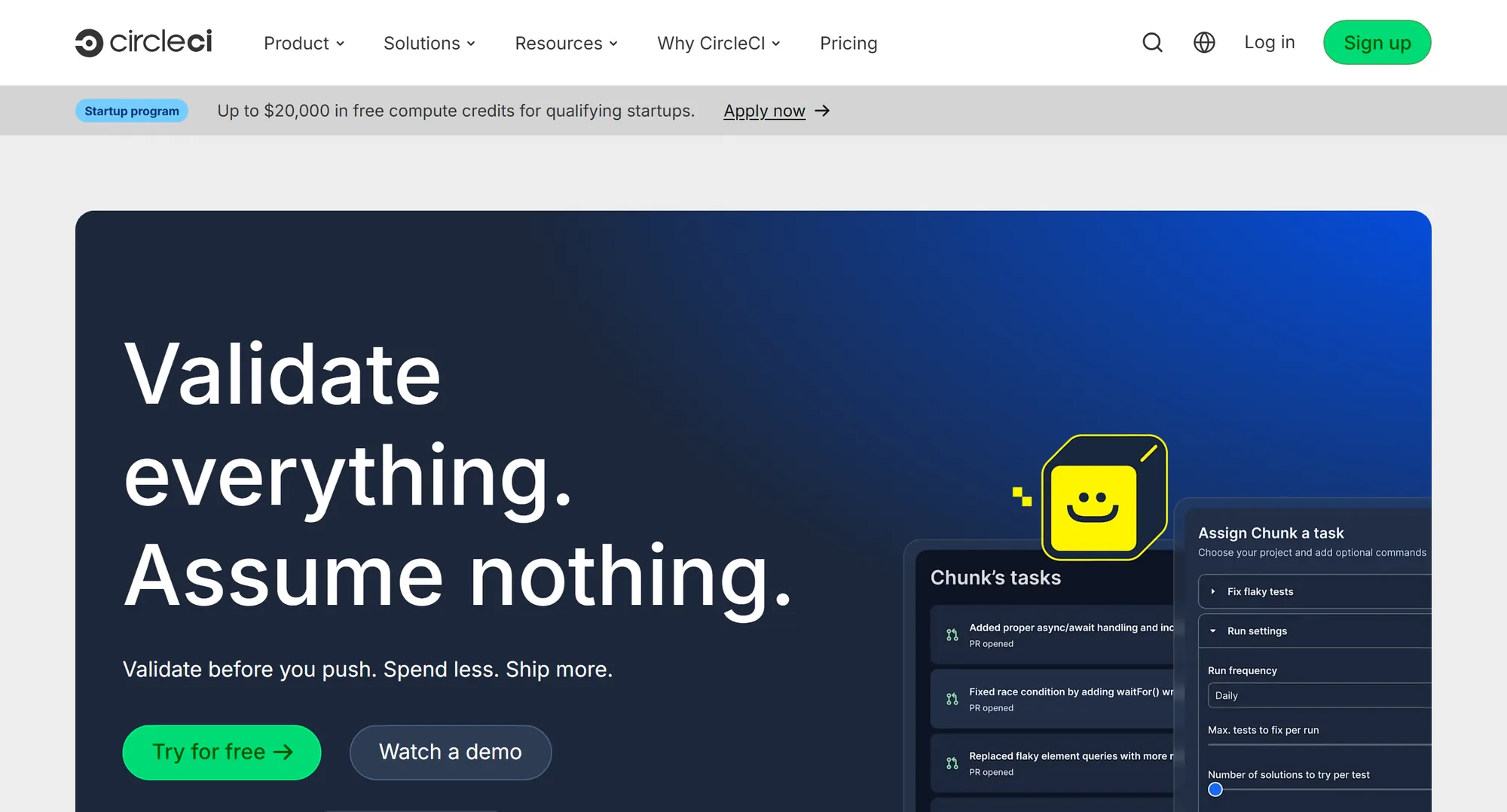
A mature hosted CI/CD platform that connects to GitHub, GitLab and Bitbucket. It runs jobs on Docker, Linux, Arm, Windows, macOS and GPU resource classes, with self-hosted runners for your own machines. Docker layer caching is on all plans, and test splitting spreads suites across parallel executors. As of September 2026, the Free plan includes 30,000 credits a month.
Best for: mixed platforms and large test suites, without moving source control.
Consider if: you are happy to add SBOMs and scanning through orbs.
5. Buildkite
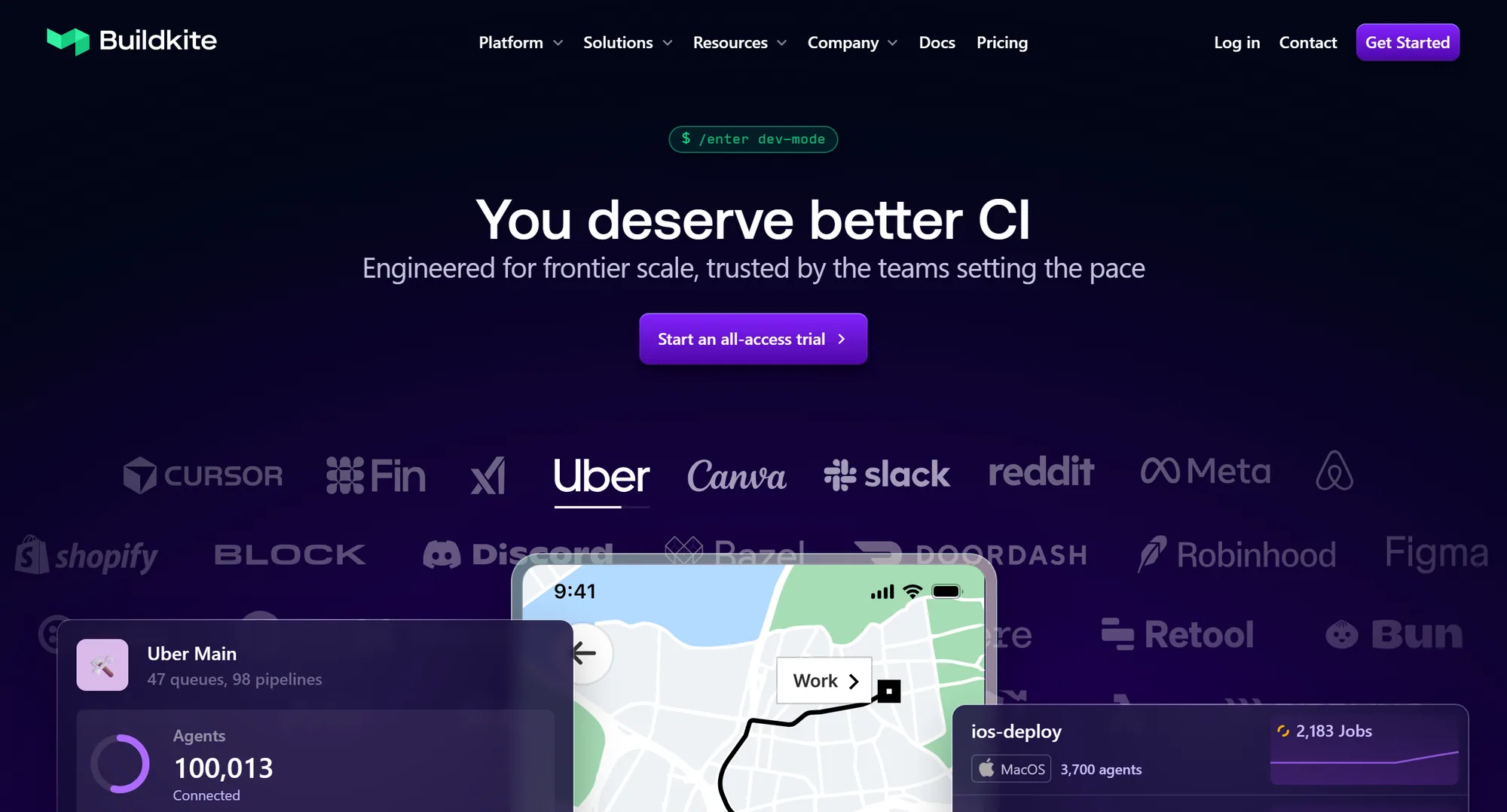
A hybrid platform: Buildkite's SaaS control plane orchestrates, and the agents that run jobs live on your own infrastructure, so source code and secrets stay in your environment. Hosted agents are available too, at $0.004 per vCPU minute on Linux as of September 2026. Signed pipelines let agents refuse jobs modified after upload.
Best for: teams that liked running Jenkins agents on their own hardware but not the controller.
Consider if: you are ready to design build security yourself on your agents.
6. Azure Pipelines
The CI/CD part of Azure DevOps. It builds on Linux, macOS and Windows, works with Azure Repos and GitHub, and deploys to virtual machines, containers, on-premises and cloud targets. As of September 2026, one Microsoft-hosted parallel job with 1,800 minutes a month is free, and each extra hosted job is $40 a month; one self-hosted job is free and each extra is $15. Azure DevOps Server brings the same platform on-premises.
Best for: teams already on Azure and Microsoft tooling.
Consider if: you want hosted and self-hosted agents under one Microsoft contract.
7. Travis CI
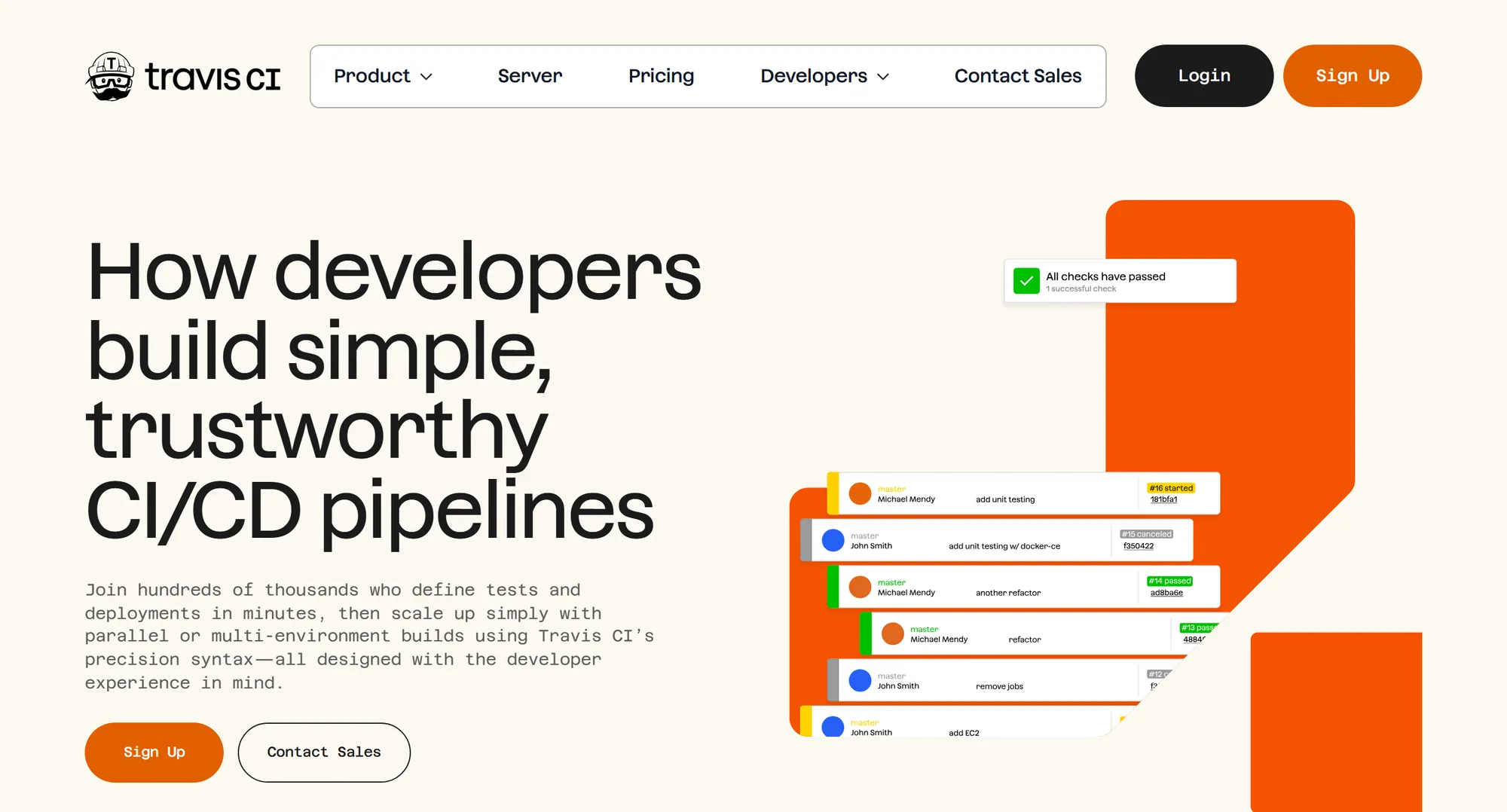
A hosted CI service that connects to GitHub, Bitbucket, GitLab and Assembla, with Linux on amd64 and arm64, macOS and Windows build environments, and Travis CI Server for on-premises or private cloud. It can generate SBOMs from the source code that triggers a build, with CycloneDX plugins and Syft. As of September 2026, the Usage plan starts at $15 per month with 35,000 Linux build credits, and Unlimited starts at $78 per month.
Best for: simple, config-driven builds across several source control hosts.
8. TeamCity
JetBrains' CI/CD platform, as TeamCity Cloud or TeamCity On-Premises. As of September 2026, On-Premises Professional is free forever with 3 build agents and 100 build configurations, Enterprise is about $2,783 (€2,399) per year with unlimited build configurations, and Cloud is about $17 (€15) per committer per month with 24,000 build credits.
Best for: teams that want a self-hosted CI server with a free tier and JetBrains tooling.
9. Bitbucket Pipelines
CI/CD built into Bitbucket Cloud. As of September 2026, Bitbucket is free for up to 5 users with 50 build minutes, Standard is $3.65 and Premium $7.25 per user per month, and 1,000 extra minutes cost $10. Self-hosted runners run on Linux, Windows and macOS, and their build minutes are not charged.
Best for: teams whose code and planning already live in Atlassian tools.
Bitbucket Pipelines alternatives
Side by side
| Capability | CRACI | GitHub Actions | GitLab CI | CircleCI | Buildkite | Azure Pipelines | Travis CI | TeamCity | Bitbucket Pipelines | Jenkins |
|---|---|---|---|---|---|---|---|---|---|---|
| What it is | A secure runner for GitHub Actions | CI/CD built into GitHub | CI/CD in the GitLab platform | Hosted CI/CD | Hybrid CI with agents you host | CI/CD in Azure DevOps | Hosted CI, or Server on-premises | JetBrains CI, cloud or on-premises | CI/CD in Bitbucket Cloud | Open source automation server you host |
| Source control | GitHub | GitHub | GitLab | GitHub, GitLab, Bitbucket | GitHub, GitLab, Bitbucket and more | Azure Repos, GitHub and more | GitHub, Bitbucket, GitLab, Assembla | Not stated | Bitbucket | Most, through plugins |
| Dependencies recorded from the build | Observed fetches, caches included | Build data for Maven, Gradle, Python | Reads lockfiles | Not stated | SBOM from source code | Not stated | Not stated | Plugins you add | ||
| SBOM export | CycloneDX, SPDX per job | SPDX of the repository graph | CycloneDX reports | Via orbs you add | Tools on your agents | Not stated | CycloneDX plugins and Syft | Not stated | Not stated | Plugins you add |
| Build provenance | Provenance data via the API; not signed | SLSA Build L2 or L3 | SLSA 1.0 statement | Not stated | SLSA L1, Enterprise | Not stated | Not stated | Not stated | Not stated | Plugins you add |
| Build egress policy | Per job, fails closed | Azure networking, larger runners | Yours, on own runners | IP ranges for allowlisting | Yours, on own agents | Yours, on self-hosted agents | Not stated | Yours, on your agents | Yours, on self-hosted runners | Yours, on your agents |
| Windows and macOS | Linux only today | Hosted in beta | Not stated | Self-hosted runners | Any agent you run | |||||
| Runs on your own machines | Customer-hosted runners, Enterprise | Core model | Self-hosted agents | Travis CI Server | On-Premises | Runners, no minute charge | The only option | |||
| Starting price | $0.004 per 2 vCPU minute, no monthly fee | 2,000 to 50,000 minutes by plan | Free, 400 minutes; Premium $29 per user | Free, 30,000 credits; from $15 per month | Free plan; Pro $30 per active user | 1 free hosted job, 1,800 minutes; $40 per extra job | $15 per month, 35,000 Linux credits | On-Premises Professional free; Cloud about $17 (€15) per committer | Free for 5 users, 50 minutes; Standard $3.65 per user | Free (MIT); you pay for the machines |
- Included
- Partly
- Not included
- On the roadmap
"Not stated" means we could not confirm it in the vendor's public pages.
When to stay on Jenkins
- Your pipelines depend on plugins with no equivalent elsewhere.
- Builds must run fully inside your own network, with no SaaS control plane at all.
- You have the people to run, upgrade and secure it, and it works.
- You can mix: many teams move new projects first and leave stable Jenkins jobs where they are.
Read more about CI/CD integration, build-time SBOM generation and pricing.
Jenkins alternatives FAQ
Short answers to the questions teams ask when they compare
Is Jenkins becoming obsolete?
No. Jenkins is still an active project that publishes security advisories for core and plugins, often several a month (for example 16 and 2 September and 5 August 2026). The question to weigh is whether you want to keep running the controller, agents, upgrades and plugins yourself.
Why are companies moving away from Jenkins?
Mostly because running it becomes the job. You host the controller and agents, apply every security advisory, and design egress control, secrets and a record of each build yourself, usually from plugins. Hosted platforms take the servers off your hands.
What is the best Jenkins alternative?
It depends on where your code lives and where builds must run. GitHub Actions fits code on GitHub, GitLab CI fits one platform for the whole lifecycle, Buildkite keeps agents on your hardware under a hosted control plane, and TeamCity On-Premises keeps a self-hosted server with a free tier.
Is there a free alternative to Jenkins?
Several have free tiers. As of September 2026, GitLab Free includes 400 compute minutes, CircleCI Free includes 30,000 credits a month, and TeamCity On-Premises Professional is free with 3 build agents and 100 build configurations. Jenkins itself is free, and you pay for the machines.
What is CRACI, and does it work with Jenkins?
CRACI is a secure runner for GitHub Actions. Each job gets an SBOM of what it fetched and an egress policy that fails closed. It does not work with Jenkins today: CRACI supports GitHub Actions, and Jenkins and GitLab CI are on the roadmap, with no date.
Move one pipeline and compare
Run one job on GitHub Actions with CRACI and set its SBOM and network trace next to what your Jenkins build tells you today.
Book a demo